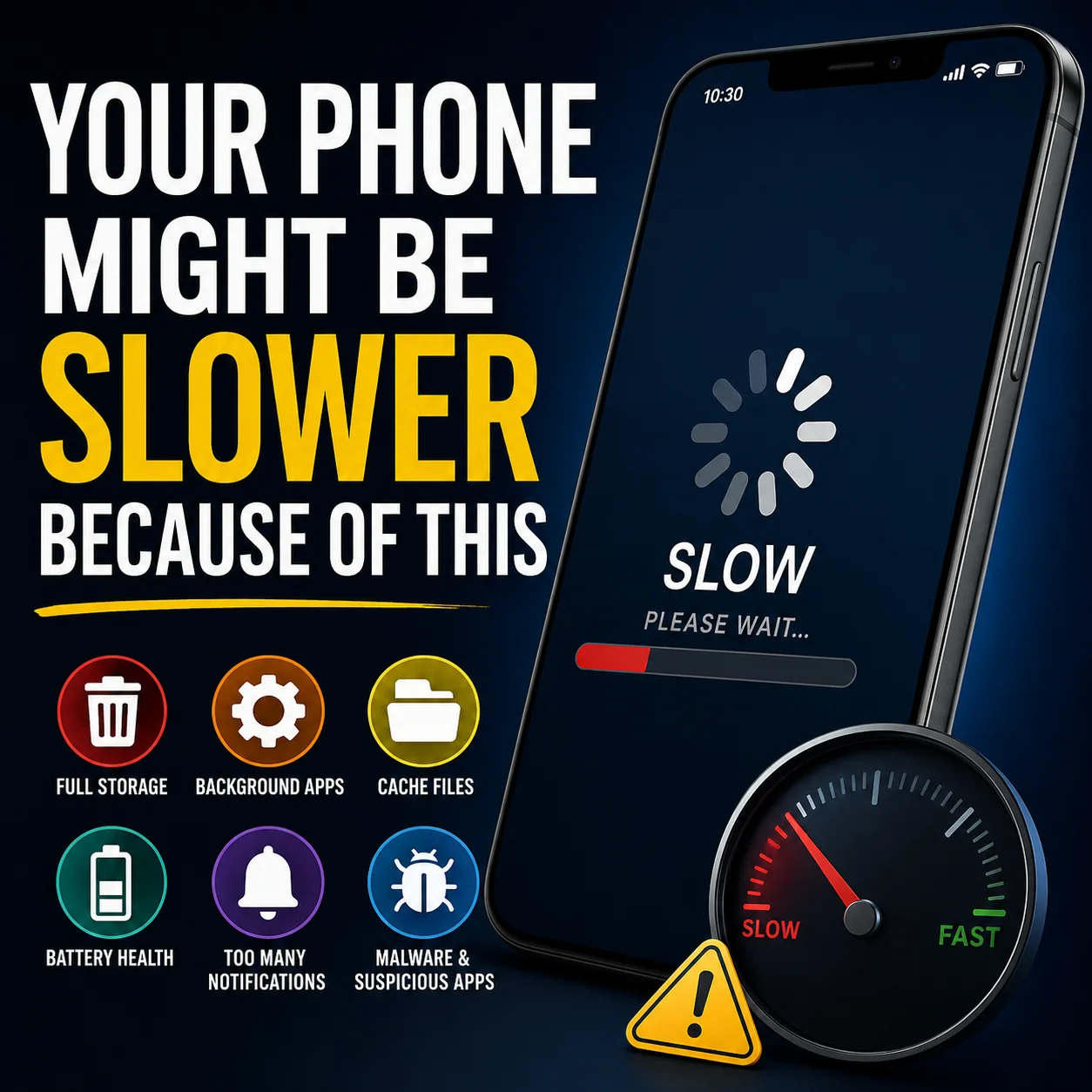
Smartphones have become an essential part of daily life. From managing work emails to watching videos, shopping online, gaming, and staying connected with friends, we expect our devices to work smoothly all the time. But after a few months or years, many people notice the same frustrating problem: their phone suddenly becomes slow.
Apps take longer to open. The keyboard lags while typing. Videos buffer more often. Even simple tasks like switching between apps feel delayed. Most people immediately blame the phone’s age, but the truth is that your phone might be slower because of hidden problems you don’t even notice.
The good news? In many cases, you can improve your phone’s speed without buying a new device.
The Hidden Storage Problem
One of the biggest reasons phones become slow is low storage space. Many users fill their phones with thousands of photos, videos, apps, and downloaded files without realizing how much space is left.
When your phone storage becomes nearly full, the operating system struggles to manage temporary files and app data efficiently. This can cause lagging, freezing, and slower performance.
Signs Your Storage Is the Problem
- Apps crash randomly
- Camera takes longer to save photos
- Updates fail to install
- Phone heats up frequently
- Overall performance feels sluggish
How to Fix It
- Delete unused apps
- Clear duplicate photos and videos
- Remove large downloads
- Move files to cloud storage
- Clear app cache regularly
Keeping at least 15–20% of your storage free can significantly improve performance.
Too Many Apps Running in the Background
Many apps continue working even when you are not actively using them. Social media apps, fitness trackers, messaging apps, and location-based services constantly refresh data in the background.
This uses:
- RAM
- Battery
- Internet bandwidth
- Processing power
Over time, too many background processes can slow down your device dramatically.
Common Background Resource Hogs
- Social media apps
- Weather widgets
- VPN services
- Live wallpapers
- Battery optimization apps
- Auto-sync services
What You Should Do
Go through your app settings and disable unnecessary background activity. You may be surprised how many apps are silently consuming resources.
Your Phone Might Have Too Many Cached Files
Cached files are temporary files stored by apps to help them load faster. While cache is useful, too much cached data can actually create performance issues.
Apps like:
- TikTok
- YouTube
- Chrome
can store gigabytes of temporary data over time.
How Cache Affects Speed
Old cache files may become corrupted or outdated. This can result in:
- Slow app launches
- App crashes
- Increased storage usage
- Freezing during scrolling
Quick Solution
Clear cache regularly from:
- Browser apps
- Streaming apps
- Social media apps
Do not confuse cache with deleting important data. Clearing cache usually does not remove your accounts or personal files.
Software Updates Can Both Help and Hurt
Software updates are designed to improve security and add features, but sometimes they can slow older phones.
Newer operating systems are often optimized for modern hardware. If your device is several years old, major updates may increase system requirements beyond what your hardware comfortably supports.
Why This Happens
- New animations require more processing power
- Advanced features use more RAM
- Background AI features increase workload
- Older batteries may struggle with performance demands
What You Can Do
- Keep security updates enabled
- Avoid unnecessary beta software
- Restart your phone after updates
- Disable visual effects if available
Not every update is bad, but older devices may need performance adjustments afterward.
Your Battery Health Could Be Affecting Speed
Many people don’t realize that battery health directly impacts phone performance.
Modern smartphones reduce processor speed when battery health declines to prevent sudden shutdowns. This is called performance throttling.
Symptoms of Battery-Related Slowdowns
- Battery drains quickly
- Phone overheats
- Sudden shutdowns
- Lag during gaming or multitasking
How to Check Battery Health
Most smartphones now include battery health information in settings.
If battery capacity is very low, replacing the battery can sometimes make the phone feel almost new again.
Widgets and Animations Can Slow Things Down
Modern phones look beautiful because of animations, transitions, and live widgets. But these visual effects consume processing power continuously.
Common Performance Killers
- Animated wallpapers
- Weather animations
- News widgets
- Constantly refreshing home screens
Easy Performance Boost
Reducing animations in developer settings can make your phone feel faster instantly.
Many Android and iPhone users are surprised by how responsive their devices become after disabling unnecessary visual effects.
Malware and Suspicious Apps
Not all slowdowns are caused by normal usage. Some phones become slow because of malicious apps or unsafe downloads.
Free apps from untrusted sources may:
- Show hidden ads
- Track your activity
- Run hidden background processes
- Use excessive CPU power
Warning Signs
- Random pop-ups
- Overheating
- Fast battery drain
- Unknown apps appearing
- High data usage
Stay Safe
- Download apps only from trusted stores
- Avoid suspicious APK files
- Use built-in security scanning tools
- Remove apps you do not recognize
Cybersecurity is becoming increasingly important as mobile threats continue to grow.
Too Many Notifications Can Impact Performance
Notifications may seem harmless, but constant alerts from dozens of apps create continuous background activity.
Every notification requires:
- Internet checks
- Background syncing
- Display activation
- Processing power
Smart Notification Management
Disable notifications from apps you rarely use. This not only improves performance but also reduces distractions.
Your Internet Might Be the Real Problem
Sometimes your phone feels slow when the real issue is your internet connection.
Slow Wi-Fi or weak mobile signals can cause:
- Apps to load slowly
- Videos to buffer
- Messages to delay
- Websites to freeze
Quick Internet Checks
- Restart your router
- Switch between Wi-Fi and mobile data
- Move closer to the router
- Check network speed using online tools
Many users replace their phones unnecessarily when the problem is actually network-related.
Cheap Cleaning Apps Often Make Things Worse
Many “phone booster” apps promise dramatic speed improvements. Ironically, some of these apps slow down your phone even more.
They constantly run in the background, showing ads and monitoring processes unnecessarily.
Avoid Apps That Promise:
- Instant RAM boosting
- Extreme speed optimization
- Battery miracles
- Automatic cooling
Most modern smartphones already manage memory efficiently on their own.
Restarting Your Phone Actually Helps
It sounds simple, but restarting your phone regularly can solve many performance issues.
A restart:
- Clears temporary memory
- Stops stuck background tasks
- Refreshes system processes
- Improves stability
Many people rarely restart their devices anymore, especially with modern standby modes.
Try restarting your phone at least once every few days.
Heat Is a Silent Performance Killer
Heat affects smartphone performance more than most people realize.
When your phone becomes too hot, the processor automatically slows down to protect internal components.
Common Causes of Overheating
- Gaming for long periods
- Charging while using apps
- Direct sunlight exposure
- Poor-quality chargers
- Heavy multitasking
Cooling Tips
- Remove thick phone cases during gaming
- Avoid direct sunlight
- Use original chargers
- Close unused apps
Keeping your phone cool can improve both speed and battery lifespan.
When Is It Time to Upgrade?
Sometimes optimization is not enough. Older hardware eventually struggles with modern apps and operating systems.
If your phone:
- Is more than 5 years old
- No longer receives updates
- Has severe battery degradation
- Struggles with basic tasks
then upgrading may be the best option.
However, many phones still perform well after proper maintenance and cleanup.
Final Thoughts
A slow phone does not always mean you need a new one. In many cases, the problem comes from hidden issues like full storage, background apps, poor battery health, excessive cache, or overheating.
By understanding these common causes, you can improve your smartphone’s performance and extend its lifespan significantly.
Technology is evolving quickly, but smart device maintenance still makes a huge difference. Before spending money on a new phone, try optimizing the one you already have — you may be surprised by how much faster it becomes.

